
TL;DR
Repaint Wall is an AI interior design tool that lets you digitally repaint your living room walls from a single photo so you can choose the best color before buying paint. It’s ideal when wood trim, rugs, art, and lighting don’t quite harmonize and you’re debating undertones. Try “how to digitally repaint walls before buying paint” in action: upload your photo to ReimagineHome.ai and test real shades side-by-side. If you want to see this on your room right now, open ReimagineHome.ai’s Repaint Wall tool to compare options fast with realistic lighting and shadows.
The Real Cost of Guessing Wall Color
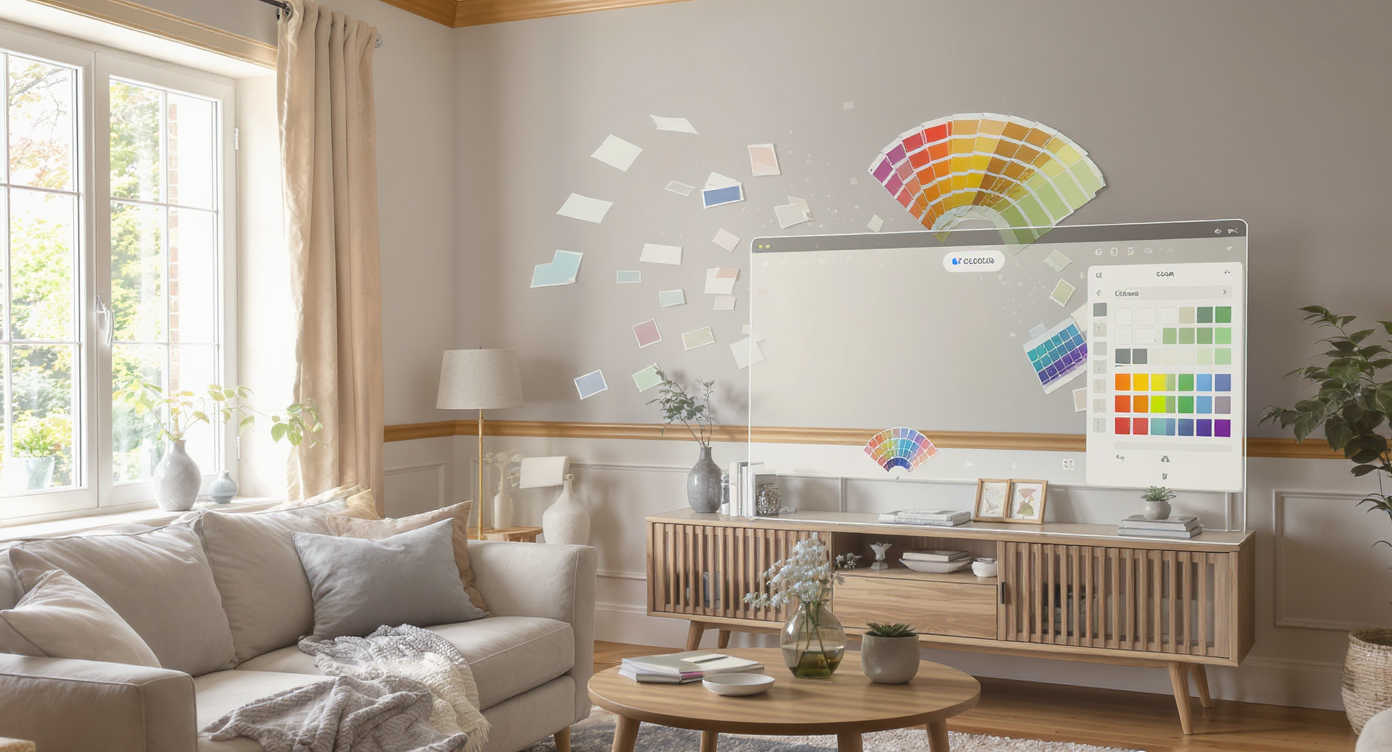
Preview multiple wall colors easily on your actual room photo using AI design tools.
Repaint Wall is AI interior design from a photo: upload your room, pick colors, and see realistic, light-aware results that match your windows, trim, and furniture. It matters because wall tone drives first impressions; even a small shift in warmth can make woodwork glow, rugs feel bigger, and art finally “click.”
- Results first: Quickly compare warm vs. cool paints, lightness, and saturation on your actual space.
- Realism: Shadows, corners, ceilings, and trim are respected so changes feel believable.
- Speed: Try 5–10 options in minutes; no paint chips, no patchwork swatches.
- Cost control: Prevent paint regret and rework, especially in rooms with strong wood trim.
- Workflow: Great for renters and owners; screenshot, share, and decide together.
- ROI: The right color harmonizes art, rugs, and furniture — fewer impulse buys, smarter upgrades.
- Peace of mind: Commit only after seeing the whole room balanced on screen.
If you already have a tricky living room photo in mind, upload it to ReimagineHome.ai and test this on your real image while you read.
Why This Visual Problem Hurts More Than You Think
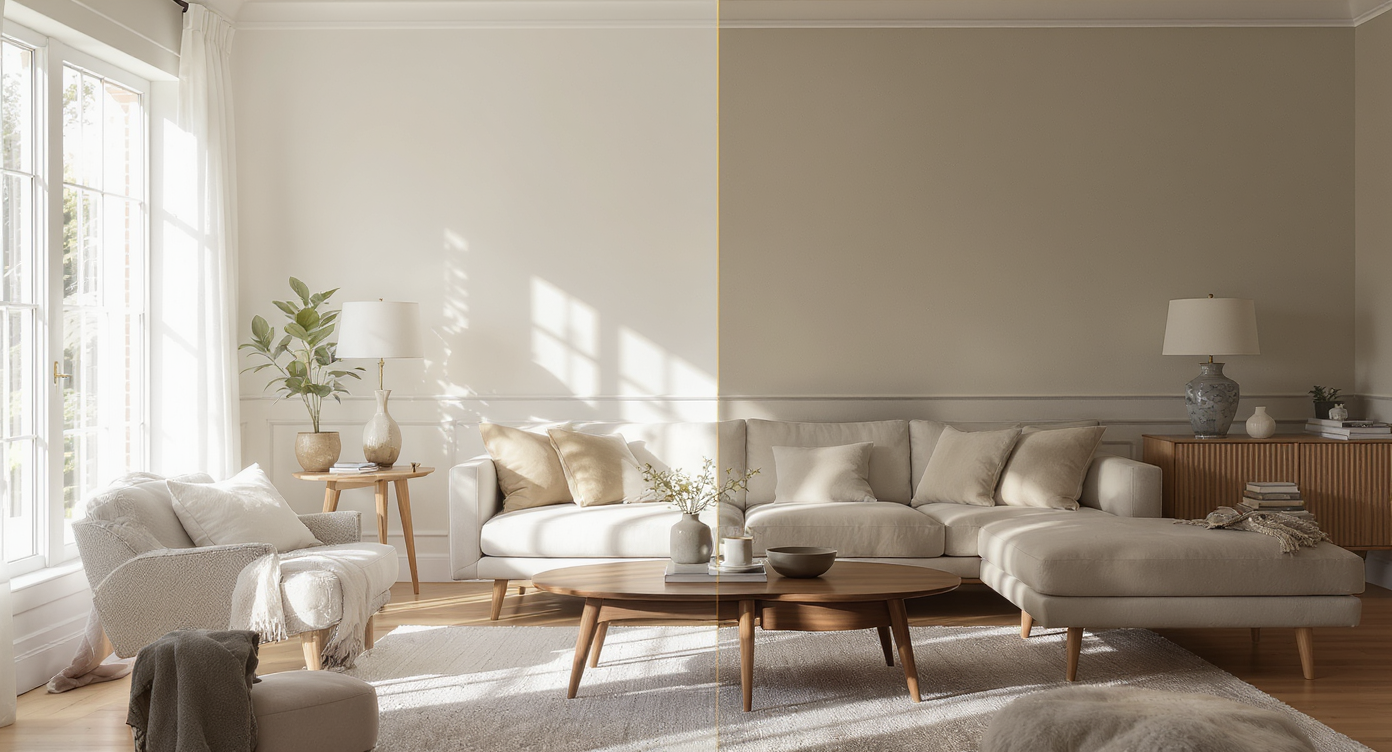
Even minor wall color shifts dramatically alter room lighting and atmosphere.
Wall color and light set the mood more than any single item in a living room, and a 5–10% change in lightness can make wood features read rich and intentional or flat and tired.
You know the moment: the rug is good, the art is almost right, but the room still feels off. Comments fly — “lower the art,” “go bigger on the rug,” “add curtains.” Those can help, but if the walls skew too yellow or too cool for the woodwork and textiles, nothing fully resolves. A digital repaint lets you preview undertones and saturation until the trim, rug, sofa, and art harmonize — before buying paint or rearranging furniture.
In classic rooms with strong millwork, creamy off-whites can either celebrate the grain or fight it. In mid-century mixes, a soft white, warm greige, or even a muted green can link the blue in the rug to the warmth of the wood and leather. Seeing that live on your own photo is what turns endless debate into a confident decision.
Anecdote
That beautiful room with warm woodwork, a blue-leaning rug, and art that feels a touch too cool — a quick digital repaint to a creamier white made everything snap into place without changing a single piece of furniture.
What Repaint Wall Actually Is (In Plain Language)
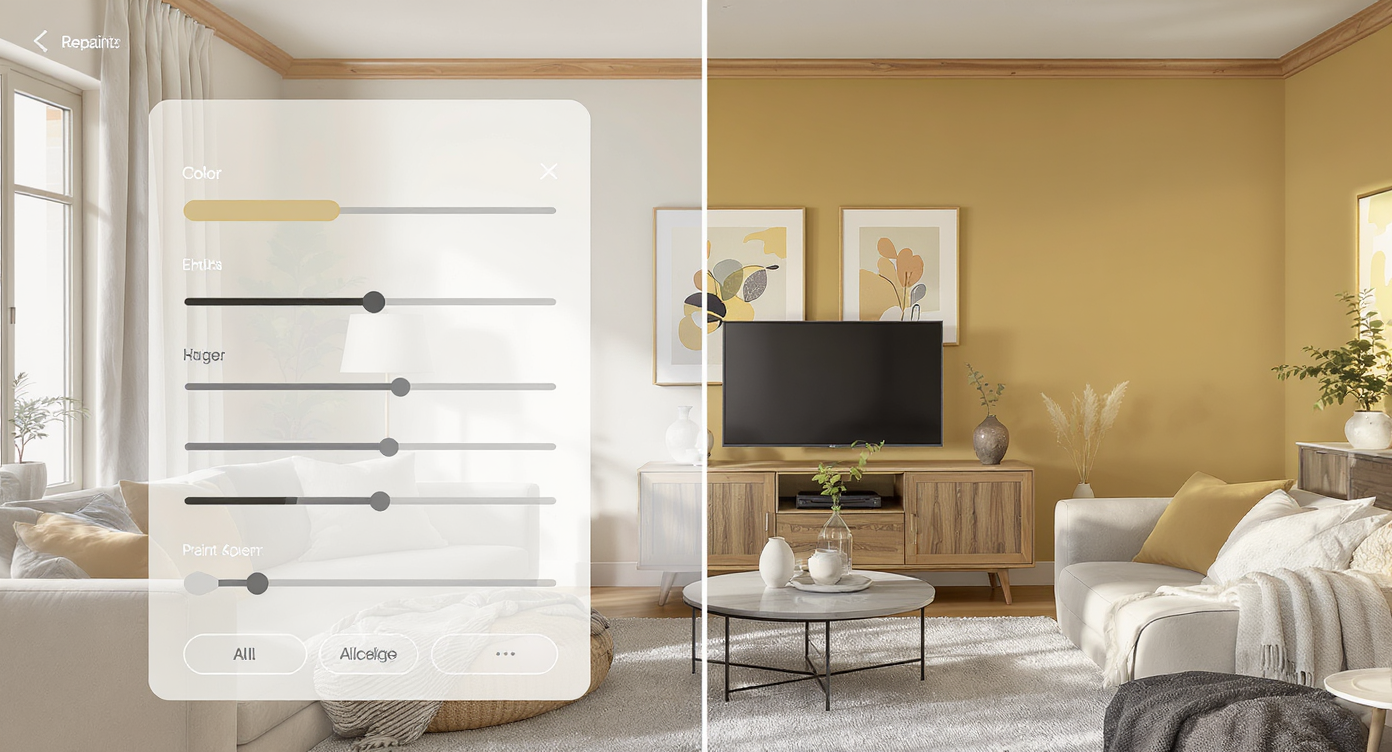
Digital repainting AI re-colors your walls realistically while respecting room details.
Digital repainting is a room design AI that recolors your walls in a photo while preserving natural lighting, edges, and depth. You upload a picture, choose paint-like shades, and get a realistic preview that respects trim, ceilings, and shadows.
ReimagineHome.ai focuses on believable, practical edits. With ReimagineHome.ai’s Repaint Wall tool, you can try warm creams, modern whites, moody greens, or deeper neutrals that complement your exact wood tone and fabrics. It works from a single image and outputs a finished visualization you can save, compare, and share.
How Repaint Wall Works Step by Step

Follow simple steps to transform your living room walls with AI repainting technology.
For best results, start with a well-lit photo; AI interior design from a photo is only as strong as the source image.
- Choose the right photo: Shoot in daytime with blinds open and overheads off to avoid color cast. Include the rug, art, sofa, and trim so you can judge harmony.
- Upload: Drop your image into Repaint Wall in ReimagineHome.ai.
- Select colors: Test 3–6 options (e.g., warmer cream, neutral off-white, soft greige, muted olive). Keep undertones consistent with your floors and wood trim.
- Generate and compare: View results side-by-side. Look at corners, ceilings, and daylight reflection — realism comes from preserved shadows.
- Refine: Narrow to 1–2 finalists and micro-adjust lighter/darker.
- Export: Save for your painter, landlord approval, or partner review.
Constraint to note: Aim for at least 2000–3000 pixels on the long edge for clean edges and accurate shadow detail; avoid heavy backlighting from windows if possible.
Tips and Tricks for More Realistic Results
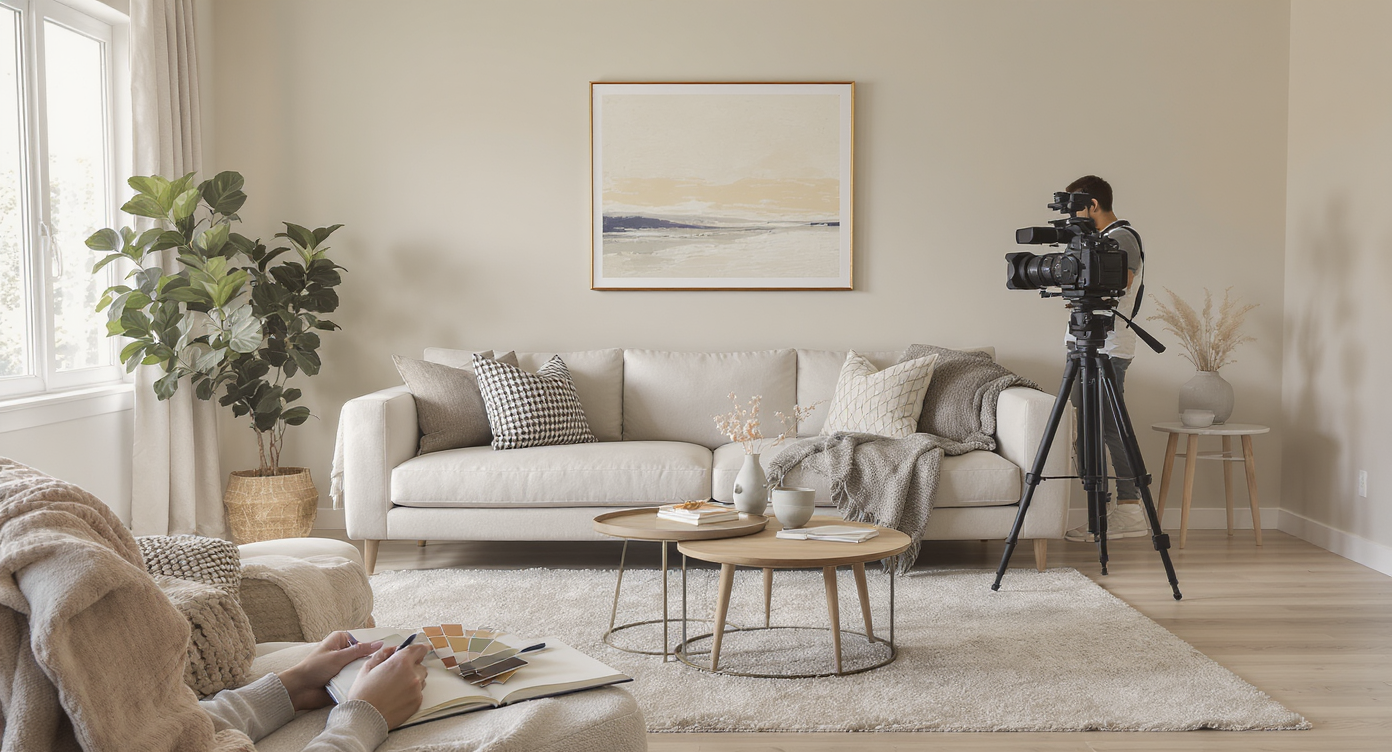
Use clear photos and consistent undertones for naturally realistic AI repainting results.
Realistic AI repainting starts with a clear photo and color discipline — keep undertones consistent across wood, textiles, and trim.
- Photograph in natural light. Turn off overheads; they can push the image too yellow or green.
- Honor undertones. If your trim is warm, test creams with a soft yellow/red base; if your rug skews cool, try a neutral white or greige to bridge the gap.
- Preview sheen. Matte vs. satin changes how shadows read. Choose the sheen you’ll actually use when you compare.
- Mind the ceilings. A lighter ceiling by 10–20% helps volume; test this in the preview.
- Try one deeper option. A moody olive or tobacco neutral can make warm woodwork feel intentional and high-contrast.
- Coordinate accents. After picking a wall color, consider previewing sofa or chair fabric tones with ReimagineHome.ai’s Furniture Facelift so pillows and throws echo the rug and art.
- Polish the photo. If your source image is dull, a quick pass with ReimagineHome.ai’s image enhancement can normalize exposure before repainting.
Visualization Scenario
Upload a living room photo featuring wood trim and a colorful rug. Test three creams, a neutral white, and a muted olive; compare how each interacts with the wood’s warmth and the rug’s blues before choosing the final paint.
FAQ
FAQ
How can I digitally repaint walls before buying paint?
Upload a clear, daytime photo to ReimagineHome.ai’s Repaint Wall, pick a few candidate shades, and compare realistic previews that respect trim and lighting. It’s faster and more reliable than tiny swatches.
Will AI repaint change my wood trim or built-ins?
No — the tool targets wall areas and preserves trim, wainscoting, and ceilings for a believable result. You can then decide if the wall choice complements your existing woodwork.
What resolution do I need for good results?
Aim for 2000–3000 pixels on the long edge, shot in natural light with overheads off. Higher quality inputs produce cleaner edges and more accurate shadows.
Can I test multiple colors and share with a partner or landlord?
Yes. Generate several versions, save them, and share via link or image to streamline decision-making — great for renters or HOA approvals.
Will the digital repaint look realistic if my room is dim?
It will reflect your photo’s lighting. For best accuracy, brighten the source with daytime light or quickly polish exposure using ReimagineHome.ai’s image enhancement before repainting.
Visualize Your Next Listing (or Project) Before You Commit
Most rooms that feel “close but not quite” are one wall color away from coherence. With ReimagineHome.ai, you can redesign my room goals without lifting a brush: test undertones, compare depths, and choose the color that flatters your woodwork, rug, and art.
Ready to see your space in the right tone? Open ReimagineHome.ai’s Repaint Wall to preview options on your photo, or explore the full platform at ReimagineHome.ai for fast, realistic room design AI.