
TL;DR
ReimagineHome.ai’s Swap Furniture & Objects lets you replace couches, beds, rugs, and art directly in your own room photo so you can preview styles and layouts before spending a dollar. It’s the fastest way to decorate with confidence and avoid returns — essentially, how to swap furniture style digitally with an AI room decorator. If you already have an image handy, try the tool on ReimagineHome.ai’s Swap Furniture & Objects while you read.
Why Your Almost‑Finished Rooms Feel “Not Quite There”

Easily experiment with furniture and decor swaps on your own room photos for a true-to-life preview and style confidence.
AI furniture swapping is a simple idea: upload a photo of your room, select what to replace (sofa, headboard, art, rug), and instantly see new options rendered in place. It works because scale, color, and light are computed from your photo, giving you a true-to-life preview that typical mood boards can’t match.
- Results: Try multiple couches, beds, and rugs in minutes — no shopping carts, no regret.
- Realism: Outputs align to your room’s perspective, lighting, and size so choices feel believable.
- Speed: Generate several style directions in under a coffee break.
- Cost: Decorate smart by previewing first; avoid costly returns and misfits.
- Workflow: Use it as your room design AI — swap objects, test palettes, then order with confidence.
- ROI: Cohesive rooms photograph better, feel bigger, and simplify everyday living.
- Peace of mind: See it first, commit later — especially helpful for first homes or indecisive corners.
If you already have a tricky corner or a bedroom you’re finishing, upload it to ReimagineHome.ai and test a swap while you read. You can jump straight into ReimagineHome.ai’s Swap Furniture & Objects to replace specific pieces and refine your scheme.
Why This Visual Problem Hurts More Than You Think
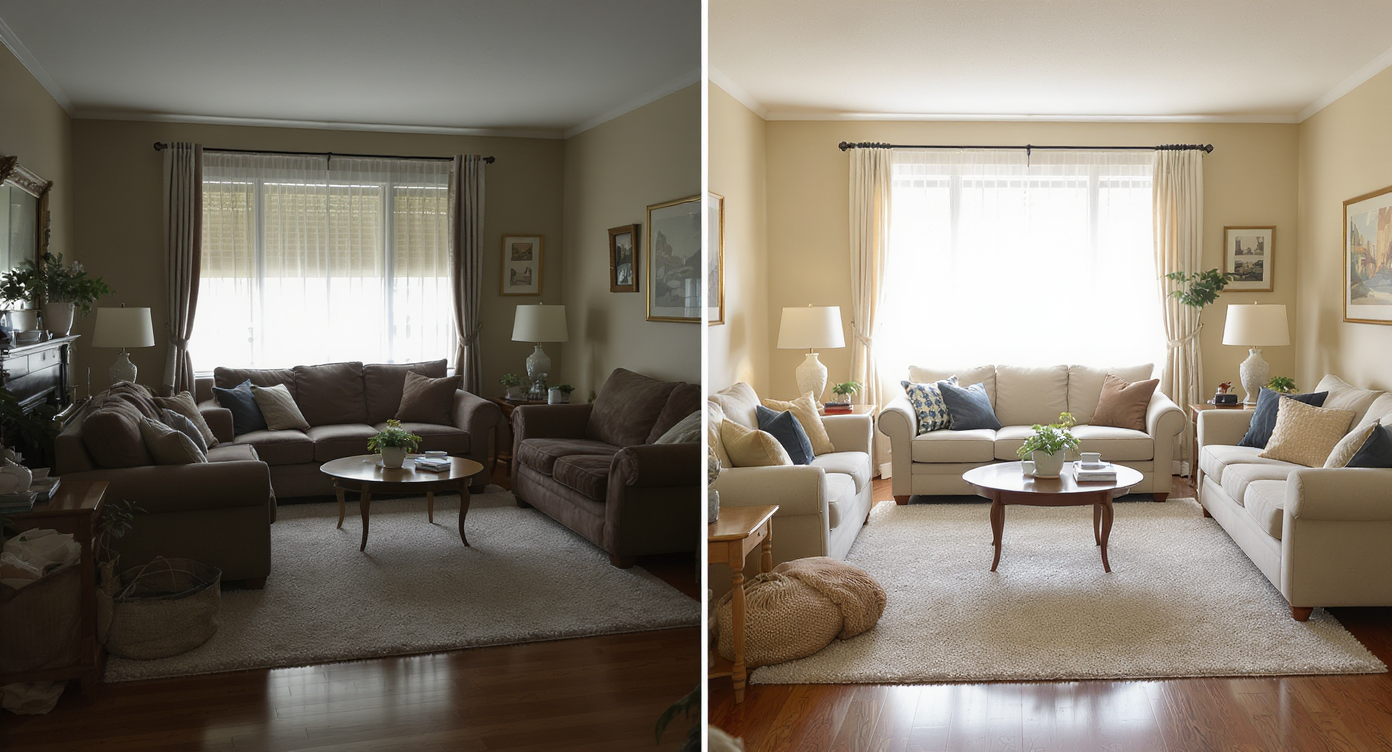
One off-scale piece can disrupt a room’s flow—see how right sizing balances both comfort and style.
Even one wrong-scale item — a too-small rug, a bulky sofa, an overpowering headboard — can make a finished room feel off. That’s because proportion and visual weight set the mood before color or pattern even register.
Here’s how it shows up day to day: you love your pieces individually, but when they’re together the room reads smaller, the traffic flow feels tight, and you keep hesitating on art or curtains because nothing feels “locked in.” A quick AI room designer pass to test a wider rug or a lighter wood tone can flip that perception immediately. Many homeowners report that seeing a realistic preview in their own photo is the only thing that breaks the indecision loop.
Anecdote
That perfect-but-cozy bedroom where the rattan headboard sings, but every nightstand looks wrong? Swapping a slimmer profile and warmer brass lamp in the AI sealed the look — and kept the weekend return pile off the porch.
What Swap Furniture & Objects Actually Is (In Plain Language)
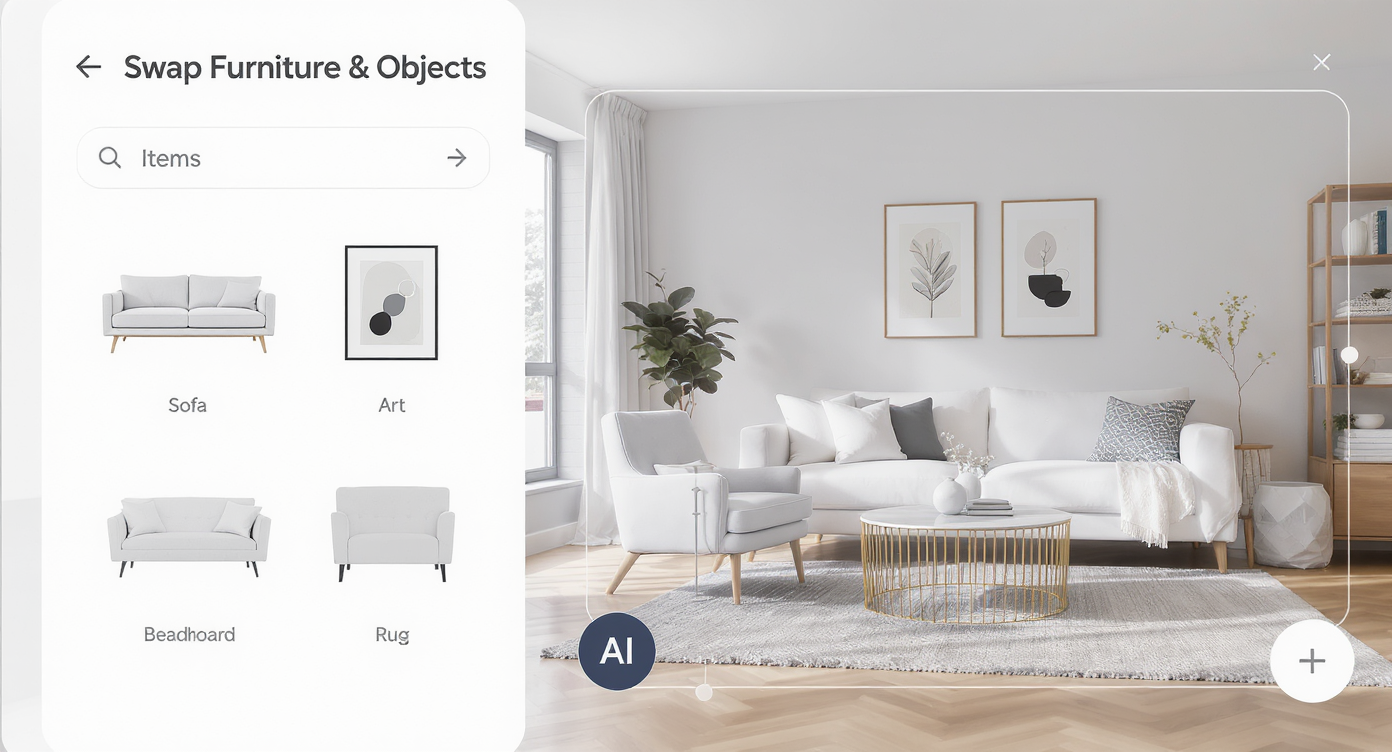
Swap Furniture & Objects AI lets you quickly replace and preview room pieces with ease and precision.
Swap Furniture & Objects is a targeted AI interior design tool that replaces items inside an existing photo while preserving architecture, perspective, and lighting. You decide what stays and what changes — think: keep the vintage record console, swap in a softer sofa and a layered rug, then add art that actually fits the wall.
It works from a single snapshot: you upload a living room, bedroom, or dining photo, mark the items to change, choose styles or let the AI suggest options, and receive polished, on-brand renderings. This is not a generic design board; it’s your exact home, restyled. To try it now, open ReimagineHome.ai’s Swap Furniture & Objects and experiment on the piece that’s giving you pause.
If you realize the wall color or flooring is the real issue, you can pair swaps with ReimagineHome.ai’s Surface Restyling to preview paint, cabinet finishes, or even tile textures in the same photo. For empty rooms, ReimagineHome.ai’s virtual staging solution composes a full furnished scene from scratch.
How Swap Furniture & Objects Works Step by Step
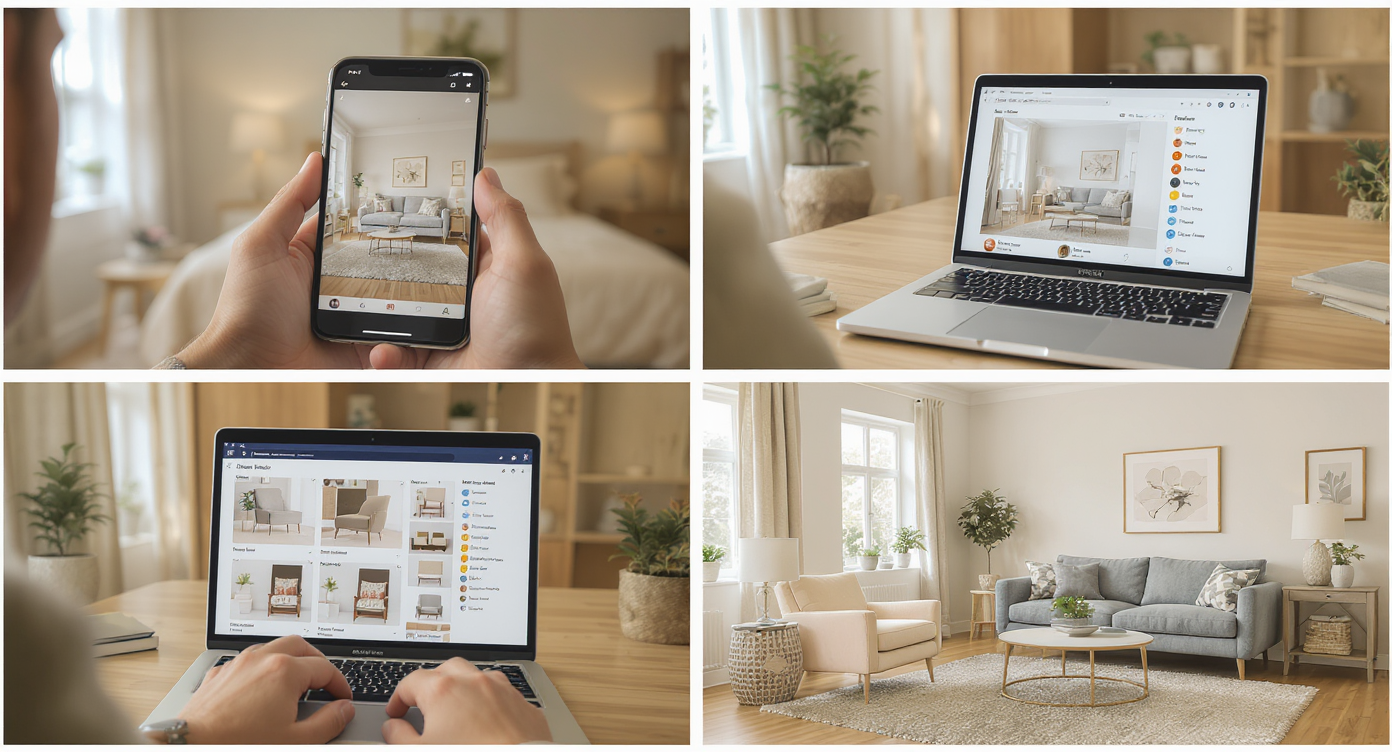
Clear photos and smart AI steps bring your furniture swaps to life with true-to-scale realism.
Good inputs make great outputs — a clear, well-lit photo at or above 2000 pixels on the long edge gives the AI more detail to work with.
- Pick the right photo: Shoot straight-on or at a mild angle (28–35mm on full-frame; avoid extreme wide angles) and include the floor where rugs will sit.
- Upload to ReimagineHome.ai: Start a project and choose Swap Furniture & Objects.
- Select items to replace: Outline the sofa, headboard, dining chairs, rug, or artwork you want swapped.
- Choose styles: Pick from modern, warm neutrals, mid-century, or eclectic; or describe specifics (rattan headboard, jute rug, travertine coffee table).
- Generate variations: Produce multiple options to compare scale, tone, and texture side by side.
- Refine: Nudge style directions (lighter wood, deeper green, brass accents) and swap again until the mix clicks.
- Export: Download high-resolution images for your plan, share with a partner, or hand off to a designer or stager.
Pro tip: Photograph during daytime with shades open. Natural light makes fabric and wood grain reads more convincing in AI outputs and in real life.
Tips and Tricks for More Realistic Results
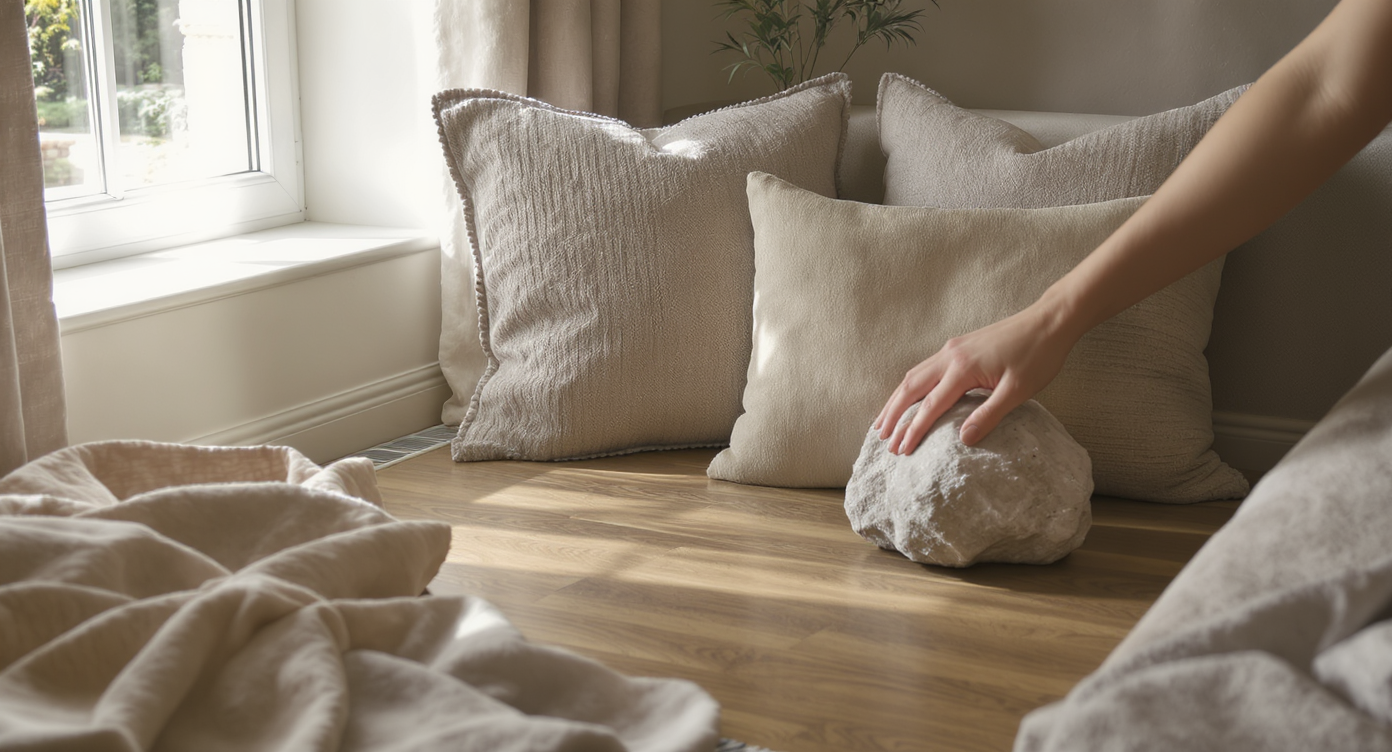
Repeat hero materials like wood and textile for more cohesive, natural-looking furniture swaps in your space.
A practical rule of thumb: choose one “hero” material (wood, stone, or textile) to repeat twice in the room so the AI’s swaps feel intentional, not random.
- Scale the rug first: In living rooms, aim for front sofa/chair legs on the rug; in bedrooms, extend at least 24 inches beyond the sides of the bed. Try two sizes in the AI and watch the room feel instantly more grounded.
- Match wood temperature, not exact species: If your dining set is warm oak, ask the AI for warm-toned woods for the sideboard; mixing wildly different temperatures can look noisy.
- Mind light direction: Keep lamps and art lighting on walls that actually receive them; the AI will render realistic shadows if your request aligns with the photo’s light.
- Repeat your metal finish sparingly: Two brass moments (lamp + frame) looks curated; five looks theme-y. Let the AI test one swap at a time.
- Anchor with textiles: Layer a subtle patterned jute over a solid wool for depth; prompt the AI for “layered rug look” to compare textures without buying multiples.
- Art at eye level: In most homes, center art 57–60 inches from the floor; test sizes in the AI so frames feel proportionate to furniture mass.
- Color test the big moves: If the wall color is the aching question, pair your swaps with Surface Restyling to preview paint before you crack a can.
For bedroom palette decisions, this guide to choosing tones can help you steer the AI prompts: how to choose the perfect bedroom set color.
Visualization Scenario
Upload your dining room with the elegant table you already own. Swap just the chairs to compare modern cane, upholstered slipcovers, or mid-century curves, then test a larger rug and a single oversized artwork. Save the best image — that’s your shopping list.
FAQ
How do I swap furniture style digitally in my own room photo?
Upload your image, select the pieces to replace, choose a style or describe what you want (e.g., linen sofa, modern art, jute rug), and generate options. You can test multiple looks in minutes with Swap Furniture & Objects.
Will AI furniture swaps look realistic?
Yes, when you use a clear, well-lit photo. The AI respects perspective, scale, and light, producing results that are believable enough for decision-making.
Can I keep some items and change others?
Absolutely. You choose what stays and what changes — ideal if you love your rug but want to try a new sofa, or you’re keeping the bed and testing nightstands.
What resolution do I need for good results?
A long edge of 2000–3000 pixels is ideal. Avoid tiny, blurry, or heavily compressed images to preserve texture detail and crisp edges.
Does this work for small apartments or awkward rooms?
Yes. In fact, tight spaces benefit most because scale and layout choices are high-impact. Use the AI room planner vibe to compare compact sofa depths, narrower dressers, or round vs. rectangular dining tables.
Visualize Your Next Listing (or Project) Before You Commit
Seeing the right pieces in the right scale is the shortcut to a finished-feeling home — and a calmer mind. With an AI room editor doing the heavy lifting, you get the satisfaction of a room that finally clicks without the stress of returns or the gamble of guessing from product thumbnails.
Whether you’re tuning a cozy green-walled nook, debating a rattan headboard versus an upholstered one, or testing a larger living room rug, you can audition all of it first. Try your photo in Swap Furniture & Objects or start from the homepage at ReimagineHome.ai, and finish your rooms with confidence in a single sitting.