How to See Furniture in Your Room Before Buying?
TL;DR
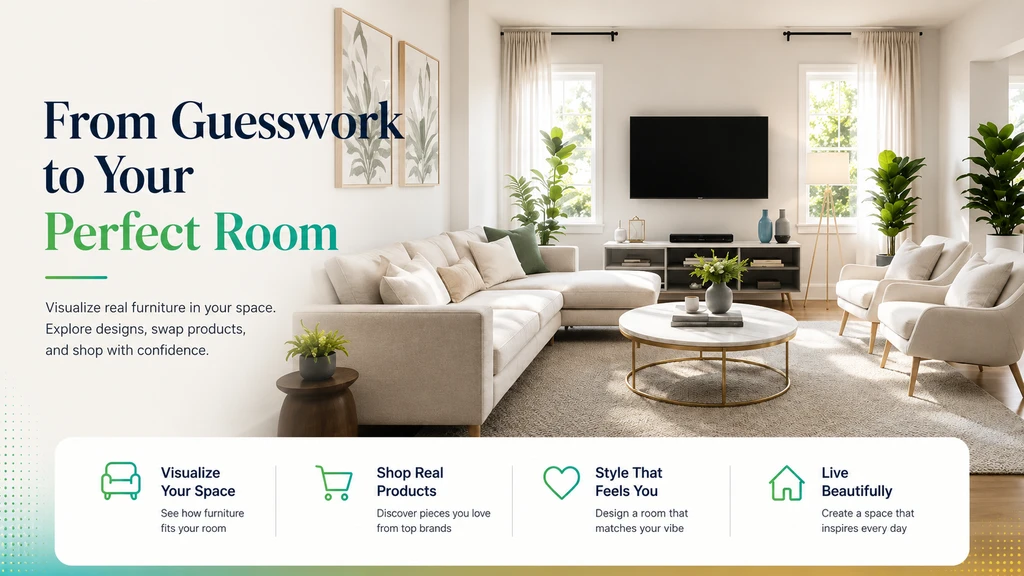
Choosing furniture online often means guessing how it will look in your home. Visualizing furniture in your space before buying lets you see real, shoppable options that fit your budget, style, and room, making furniture shopping more confident and less risky.
-
01. Why Furniture Shopping Online Feels Like a Gamble

Why visualize furniture in your room before buying? Checking how a sofa or chair fits your space online helps avoid buying furniture that looks wrong or doesn’t fit, solving the issue of why furniture looks different at home.
Online furniture shopping might seem easy, until you actually have to choose a piece for your space. Product images are styled in perfect showrooms, leaving you to wonder: will this sofa or bed actually work in my own room? Shoppers struggle with questions like size, color, fit with existing decor, and if it's even available for delivery to their area.
-
02. What Furniture Visualization Actually Does
Furniture visualization lets you preview how sofas, beds, rugs, or desks will look inside your actual room, rather than guessing from stand-alone product shots. Modern AI tools, like ReimagineHome, can generate photorealistic room concepts based on your uploaded room photo. Even better, you can choose between different styles, colors, and even shoppable products tailored to your budget and preferences. This structured approach, as detailed in our guide to visualizing furniture and rugs before buying, helps you evaluate real options before making costly decisions.
-
03. See the Whole Room, Not Just One Piece

Visualize furniture in your room before buying for better results—see how to check furniture fit online and avoid buying a sofa or table that looks wrong at home.
One of the biggest shopping mistakes is choosing items one at a time, resulting in a crowded or clashing finished room. Visualization helps you see how different pieces work together: will that new coffee table make the room feel cramped? Does the accent chair work with the rug and curtains? Evaluating furniture in context leads to more harmonious and well-planned spaces, saving hours of product comparison and returns.
-
04. Save Time Searching With Personalized, Shoppable Recommendations
Scrolling through endless listings and saving dozens of options gets overwhelming quickly. With ReimagineHome's shoppable visualization experience, you can set your budget and location (ZIP code), then receive tailored furniture suggestions that fit both the design and practical constraints. According to our guide on seeing real products in your room using AI before buying, this helps you filter out unrealistic choices fast and focus only on what you can actually buy and receive, resulting in a more intentional, and less stressful, shopping process.
-
05. Make Room Design More Actionable: Shop What You Visualize
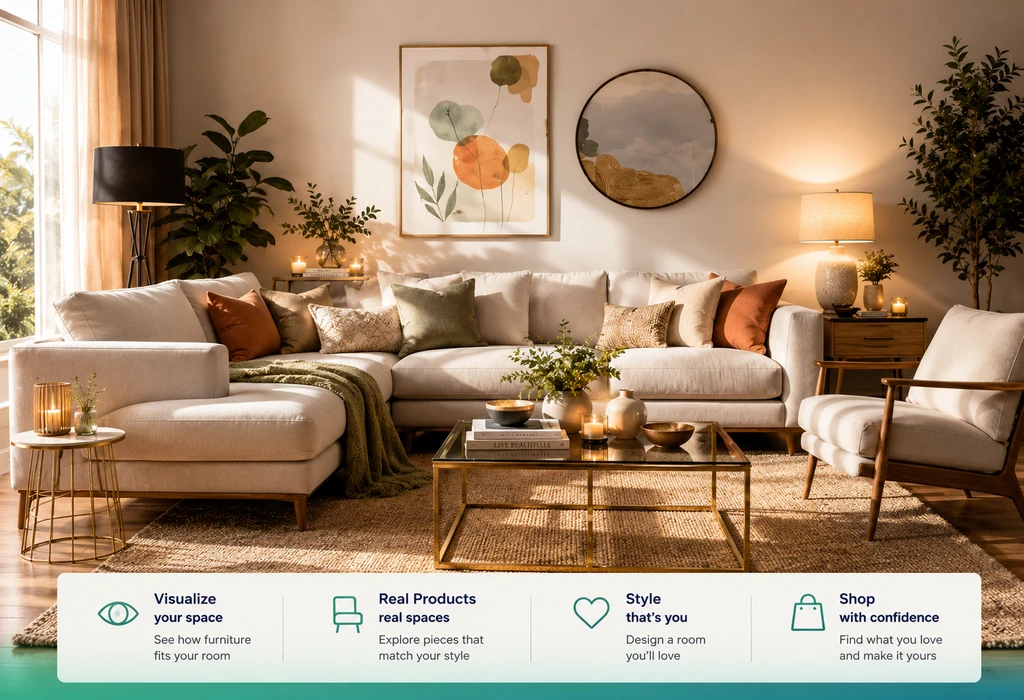
Visualize furniture in your room before buying, see accurate fit and style to avoid buying furniture that looks wrong or doesn’t match your space.
Traditional inspiration images rarely tell you where to buy the featured furniture. ReimagineHome bridges the gap by connecting your visualized design directly to actual, shoppable products, showing details like name, price, category, and source. You can even swap items in the design and assemble a shopping list, so you don't have to hunt for matching products later. This move from 'idea' to 'actionable plan' is a game-changer for anyone designing whole rooms.
-
06. Avoid the Costly 'Buy and Regret' Cycle
Have you ever bought a piece of furniture, assembled it, and only then realized it doesn't work? The return process is costly and frustrating. Visualization shifts some of that decision-making earlier, helping you catch scale or style mismatches before you buy. In fact, our breakdown of online versus in-store furniture shopping found that visual preview tools dramatically reduce regrets and returns by helping buyers see fit, balance, and style ahead of delivery.
-
07. Make Smarter, Budget-Friendly Choices
Visualization isn't just about avoiding mistakes, it also makes it easier to stick to your financial plan. By entering your budget range and browsing only locally available products, you avoid falling for out-of-reach inspiration rooms. Plus, by swapping out single items (say, a pricier nightstand for a similar budget find), you tailor the room to your wallet without starting over. For more on using constraints like budget, brands, and ZIP code to refine your shopping.
-
Tips for Smarter Furniture Visualization
- Start with a clear photo of your room
- Define your style and key needs (e.g., extra storage, workspace)
- Set your budget and enter your ZIP code for availability
- Mention preferred brands or materials for better suggestions
- Focus on large, statement pieces first
- Swap out individual products you don't love, don't re-do the whole room
- Always measure your space and check real product details before purchasing
Conclusion: Visualization Is Your Best Shopping Shortcut
The real value of visualizing furniture before you buy is simple: fewer costly mistakes, less guesswork, and more satisfying results. With tools like ReimagineHome, you can preview designs, discover real products, filter by your own needs, and shop with greater certainty. Keep using visualization as a decision-making tool, not a replacement for research, but as a bridge between inspiration and smart buying. When every piece fits, you save time, money, and enjoy your home that much more.