How to Create a Listing-Ready AI Room in Just 6 Simple Steps
TL;DR
Most listing-ready AI rooms are achieved in 2–4 generations, not one. Starting with a good photo, using reference images, and making focused edits helps reduce unnecessary iterations and produce fast, market-ready results.
How Many AI Generations for a Listing-Ready Room?

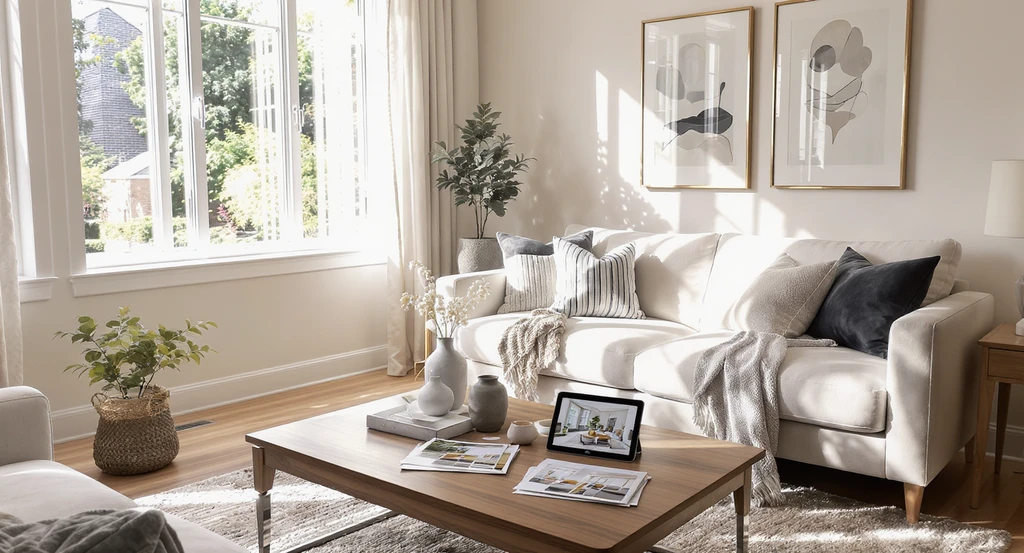
See how many AI generations for a listing-ready room it really takes—this editorial image illustrates the AI room staging process explained, shows how using reference photos and a structured approach reduces AI room iterations, and highlights proven steps to optimize AI home design.
If you’re unsure how many tries you’ll need to get an AI-generated room ready for a property listing, the simple answer is: two to four focused generations for most rooms, when your process is clear. It’s normal for the first image to need adjustment, but most buyer-ready visuals are reached in 2 to 4 quick rounds, not endless guesses.
The rest of this guide explains the structured AI room staging process, what influences the number of generations, and how to avoid getting stuck in endless revisions. For a deeper dive into typical AI design missteps and fixes, check out our guide on common decision mistakes when using AI for room makeovers.
-
01. Your First Generation Is a Rough Draft—Not the Final Image
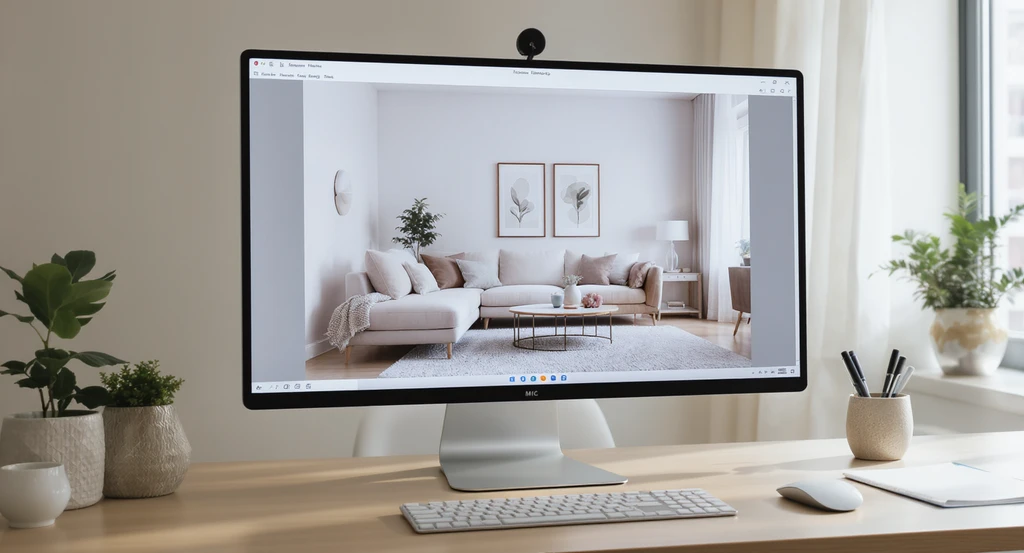
Step one in the AI room staging process explained: the initial AI-generated room draft reveals design mood and layout, clarifying how many AI generations for listing-ready room you’ll need. Review and refine early to optimize AI home design results.
The most common misconception with AI room staging is expecting perfection in one generation. The reality: your first output is a starting point, giving you the general design mood, major layout, and furniture shapes. About 30% of initial images need some adjustment for style accuracy or artifact cleanup.
Most realtors and designers find the first draft gets them 70% of the way to listing-ready. Use this initial version to define what works and spot what feels off, treat it as the foundation for targeted refinements rather than the finished listing image. As we explored in these common mistakes to avoid with AI design tools, reviewing the first image for spatial layout and balance is key before requesting changes.
-
02. Most Buyer-Ready Rooms Take Just 2–4 Generations
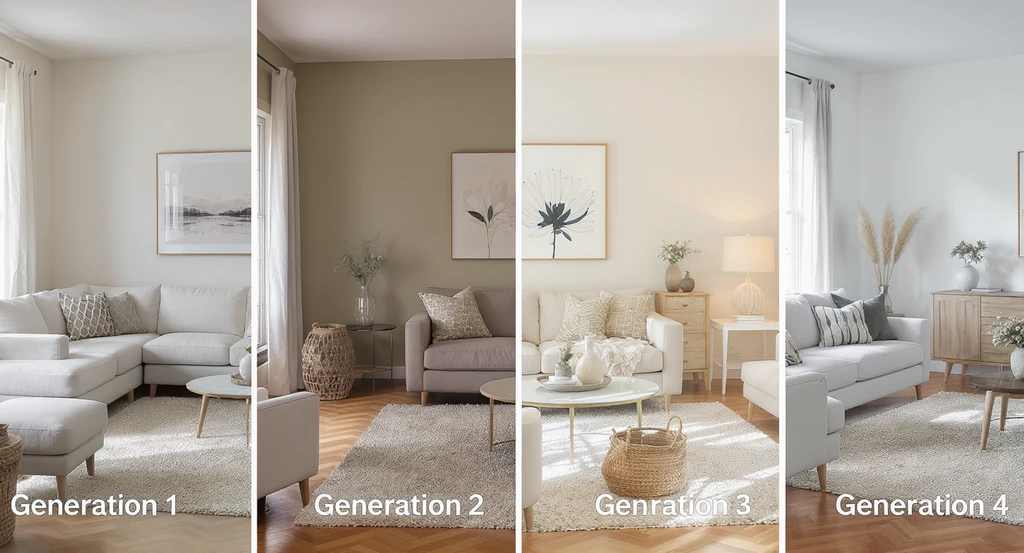
A living room shown in four AI-generated stages demonstrates how many AI generations for listing-ready room are recommended. This AI room staging process explained here offers practical steps to optimize AI home design, using reference photos for AI interior design, and essential tips for reducing AI room iterations.
In practice, two to four rounds are usually enough to refine a room’s design into a polished, marketing-friendly image. Here’s how a typical workflow breaks down:
- Generation 1: Set overall style and atmosphere.
- Generation 2: Fix the most visible layout or color issue (e.g., adjust furniture or wall tone).
- Generation 3: Tweak fine details, lighting, textures, or minor layout corrections.
- Generation 4 (if needed): Final polish, remove visual artifacts or harmonize accents.
If you use more than 4–5 rounds, revisit your instructions for clarity. Overly broad prompts slow down results. According to our top tips for faster AI home designs, success is about targeted, stepwise refinement, not one-click perfection.
-
03. Reference Images Help Cut Generations in Half
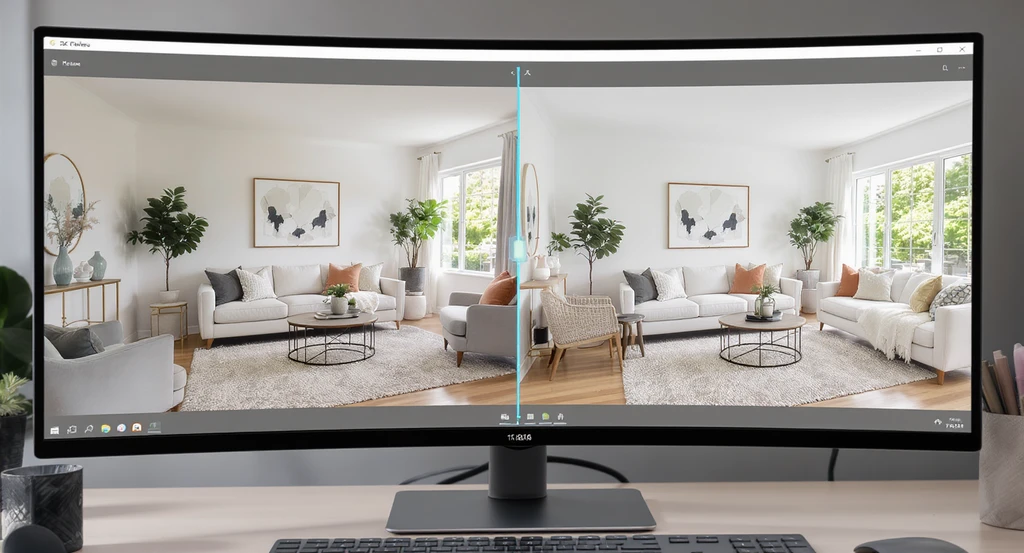
Using a clear reference photo, the AI room staging process is optimized—reducing how many AI generations it takes to achieve a listing-ready room. This approach visually explains steps to optimize AI home design and highlights the effectiveness of reference photos for AI interior design.
Describing colors and style in text can take several rounds. Uploading a clear reference photo, of a sofa tone, rug pattern, or full room inspiration, lets the AI match your vision sooner by showing, not telling. This approach often gets you from a basic room to a fully staged, on-brand look in just two or three tries.
As discussed in our reference image guide for AI room design, this step works because reference photos instantly communicate complex visual details that words miss, reducing the need for guesswork and extra generations.
-
04. Make Only One Focused Change per Generation
While AI can handle multiple requests, results are best when you tweak a single design element per round, whether it’s flooring, wall color, or lighting. Each change is easier to review, making the impact of your edits clear and preventing accidental disruptions to other parts of the design.
Checklist for Efficient Generations:- One change per prompt (e.g., “Change sofa color to beige”).
- Review the full image for unintended effects before moving to the next step.
- Avoid changing elements that already match your goals so each generation builds on the previous one instead of introducing unnecessary variation.
-
05. Set Clear Rules for What Must Stay Consistent
Many listing photos feature irreplaceable elements, windows, built-in shelving, doors, or room proportions. Whenever these need to be preserved, mention them in your first prompt: "Keep all window locations and wall dimensions the same."
This instruction helps the AI maintain architectural realism and prevents common errors like awkwardly shifted doorways or off-scale built-ins between generations, which is crucial for realistic, buyer-focused images.
-
06. Know When to Stop: Signs of a Listing-Ready Room
Instead of seeking endless improvements, look for the signs of a buyer-friendly result:
- Furniture is placed evenly and never blocks doors or windows.
- The room feels bright, with light balanced across the space (no harsh shadows or overexposure).
- The color palette is cohesive and consistent with the property type.
- Essentials, like flooring and built-ins, stay realistic and proportional.
- There are no distracting artifacts, distorted objects, or out-of-place items.
Once these conditions are met, further changes rarely add value for buyers. As a final checkpoint, compare your staged photo to your reference image and confirm the most important elements align. For more on setting up efficient AI staging, review our AI staging process guide for listings.
FAQ: AI Room Staging Generations Explained
- How many generations does a typical listing-ready room need?
Usually 2 to 4 focused iterations, with most improvements made early on. - Can you nail a listing-ready room in one generation?
On rare occasions with ideal input photos, yes—but small refinements to layout or color usually lead to a more professional look. - Do reference images really help reduce tries?
Absolutely. Visual inspiration can cut the process in half by providing unmistakable style cues. - Is it better to change many things at once?
No. Adjusting one aspect at a time keeps results clear and minimizes backtracking. - When should you stop iterating?
Once the room looks natural, cohesive, and free of visual distractions, it’s ready for your listing.
Final Thoughts: Keep Generations Efficient and Purposeful
A listing-ready AI room is rarely built in one click. Instead, most polished results happen within 2–4 purposeful generations, guided by clear goals and focused review. By starting with a high-quality photo, providing reference images, making one change at a time, and knowing what to leave as-is, you move from draft to marketing-ready visuals in minutes, not hours. This process not only saves you time but also sets clear expectations for clients and buyers.