5 Simple Ways to Refine AI Room Designs Faster
TL;DR
Most people generate the same AI room multiple times, not because they're doing it wrong, but because great designs come from simple, step-by-step refining. Using reference images and clear feedback helps you reach your dream look quicker and with more confidence.
Why Do We Keep Generating the Same AI Room?
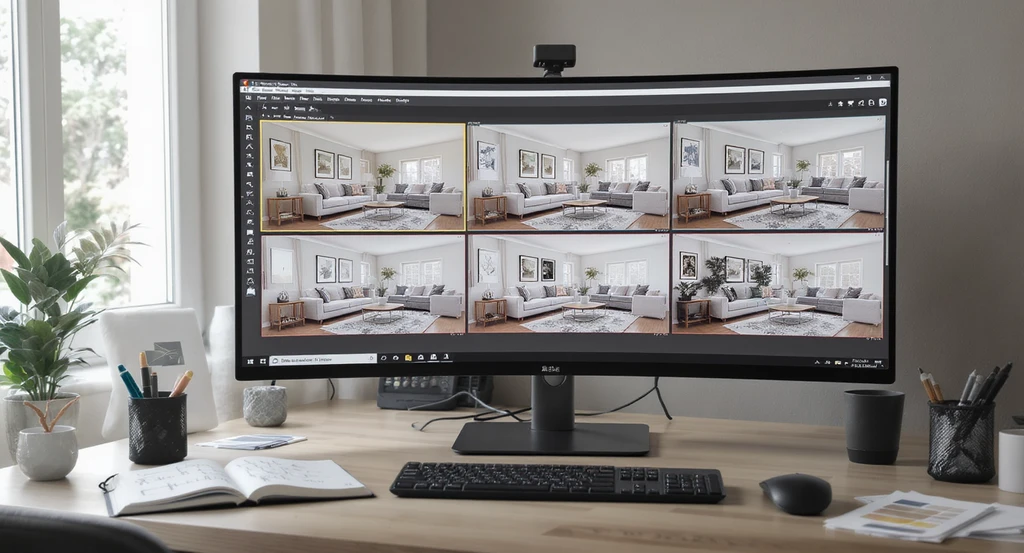
Why generate the same AI room repeatedly? This realistic setup shows how to refine AI room designs and use reference images for faster, step by step makeovers.
Most AI room designs improve through iterative refinement rather than a single perfect prompt. Each generation gives you visual feedback about layout, colors, furniture proportions, and styling choices, making it easier to decide what to keep, what to change, and what to refine next. Professional interior designers follow a similar review-and-revise process, and AI design tools work best when treated the same way.
The good news is, you can make the whole process much smoother (and a lot more fun) by refining the way you use AI design tools. Let’s walk through friendly, do-able ways to get a result you love, no frustration, no endless rewrites needed.
-
01. Treat the First Generation as a Starting Point
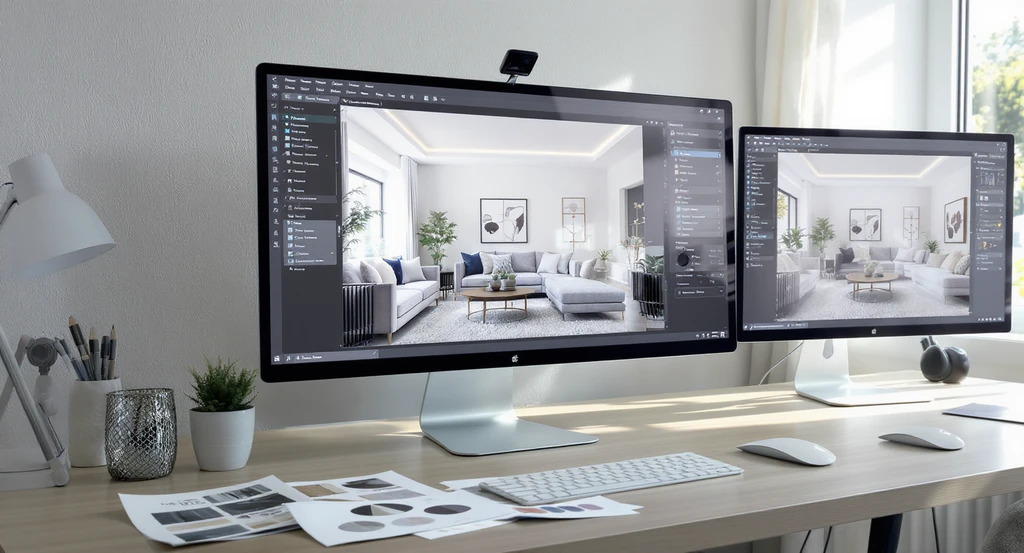
Easily refine AI room designs by treating the first generation as a starting point, using reference images and step-by-step iterations to avoid common mistakes in AI home visualization.
Think of the first AI-generated room as a concept draft rather than a finished design. Its purpose is to establish an overall direction for the layout, color palette, furniture style, and mood. Once you can see these elements together, it becomes much easier to identify specific improvements than trying to describe every detail before generating the first image. Just like working with a real designer, your first draft gives you something to react to, see what you like, and help you decide what you’d tweak.
Each time you generate a new version, think of it as a back-and-forth conversation, one that gets better every round. For more on how to avoid common setbacks at this stage, check out our guide to avoiding AI design mistakes.
-
02. Use Reference Images Early for Clearer Results
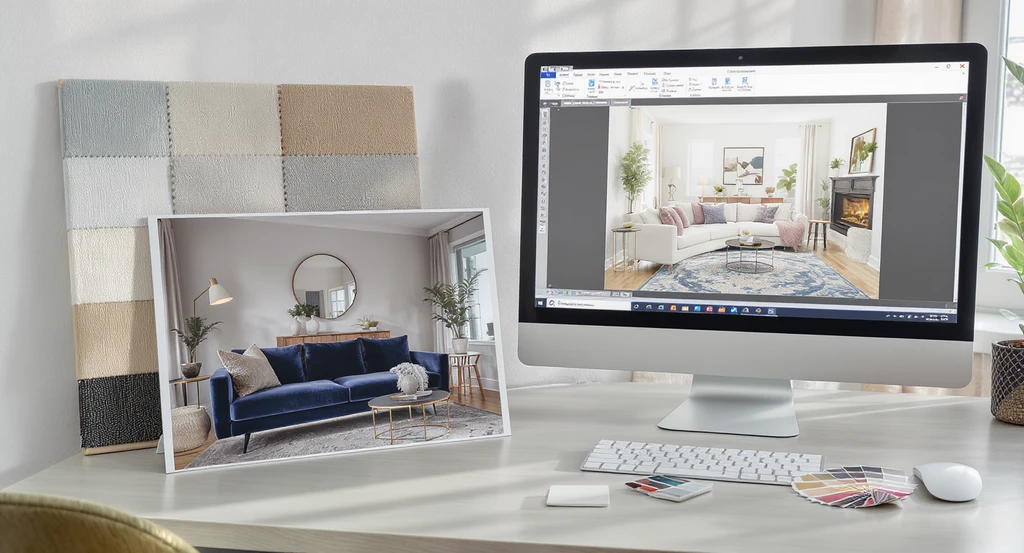
Using reference images in AI interior design tools helps avoid common mistakes in ai home visualization and accelerates how to refine ai room designs.
Bringing in a reference photo, whether it's a sofa style, a color scheme, or an entire room, is the single biggest shortcut to a design you love. AI understands visuals far better than paragraphs of text, so a clear photo lets it match your taste directly instead of guessing.
If you have even one image that captures the feel you want, upload it at the start. They also reduce guesswork, helping the AI preserve the style you're aiming for across multiple design iterations instead of changing direction with every generation. Curious about the details? See our steps on using reference images with AI interior design.
-
03. Give Specific, One-at-a-Time Feedback
Simple, focused tweaks work wonders: try changing only the sofa, or only the flooring, in each round. When you ask for just one change at a time, it’s easier to spot what worked and what might need another go.
Rule of thumb: Adjusting a single feature (like rug color or lighting style) per round leads to faster, more satisfying progress. Combining multiple requests into one prompt, such as changing furniture, lighting, wall colors, and layout together, makes it harder to identify which adjustment improved the final result. Small, focused refinements usually produce more reliable outcomes. For a checklist approach, our guide on quick AI room makeovers offers practical advice.
-
04. Tell the AI What Should Stay the Same
One of the easiest ways to maintain consistency is to tell the AI which architectural or decorative elements should remain unchanged. For example, you might keep the window placement, flooring, ceiling height, built-in cabinetry, or existing wall color while experimenting with new furniture and décor. This helps preserve the room's structure while refining its style.
The fix? Point out any details you want untouched, like "keep the window where it is" or "the wall color stays the same." This prevents unnecessary changes and helps keep your vision consistent from round to round.
-
05. Know When It’s Time for a Fresh Start
If several rounds of small refinements still aren't producing the look you want, starting fresh is often more effective than continuing to edit the same concept. A new reference image, a clearer design style, or a simplified prompt can reset the creative direction and often leads to stronger results much faster.
Learn more about getting rapid, relevant results with tips from our faster AI room design guide. -
Why AI Room Designs Improve Through Iteration
Design Round Primary Focus What to Evaluate First Generation Overall Direction Review the room layout, design style, proportions, and overall atmosphere to determine whether the concept matches your vision. Second Generation Furniture Selection Evaluate furniture styles, sizes, placement, and whether each piece complements the room's layout and function. Third Generation Colors & Materials Refine wall colors, flooring, cabinetry, fabrics, wood finishes, and material combinations to create a cohesive design. Fourth Generation Lighting & Décor Fine-tune natural and artificial lighting, artwork, rugs, plants, accessories, and decorative details to enhance the overall atmosphere. Final Generation Final Review Confirm that all elements work together, preserve the features you want to keep, and make any final adjustments before exporting or sharing the design.
AI Room Design: Frequently Asked Questions
Why do I have to generate my AI room so many times?
Most AI room designs improve over several iterations because it's easier to evaluate a visual concept than describe every preference before the first generation. Each new version helps you refine the layout, furniture, colors, and overall style step by step.
How can I get results I like faster?
Start with a reference image and make one specific change in each generation. Focusing on a single adjustment at a time helps you identify what improves the design and reach your preferred result more efficiently.
Do I need to describe every detail for the AI?
No. Begin with your preferred design style and the most important features, then refine smaller details such as colors, materials, lighting, and décor as the design evolves.
Can I ask the AI to keep certain things in my room?
Yes. Specify any architectural features or décor elements you want to preserve, such as windows, flooring, wall colors, or built-in furniture, while allowing the AI to update other parts of the room.
What if I'm still not happy after ten versions?
If multiple refinements aren't producing the result you want, start with a new reference image or simplify your prompt. A fresh starting point often leads to better outcomes than continuing to edit the same concept.
Bringing AI Room Visions to Life, Confidently!
Refining your AI room designs doesn’t mean endless rework, it’s about making small, focused improvements that add up to a room you truly love. Start with a clear image, make changes step by step, and let the process be a friendly conversation between you and your virtual designer. Great AI room designs rarely come from a single prompt. They evolve through clear visual references, focused adjustments, and thoughtful comparisons between each version. By refining one decision at a time, you'll spend less time regenerating random ideas and more time creating a space that genuinely reflects your vision.